
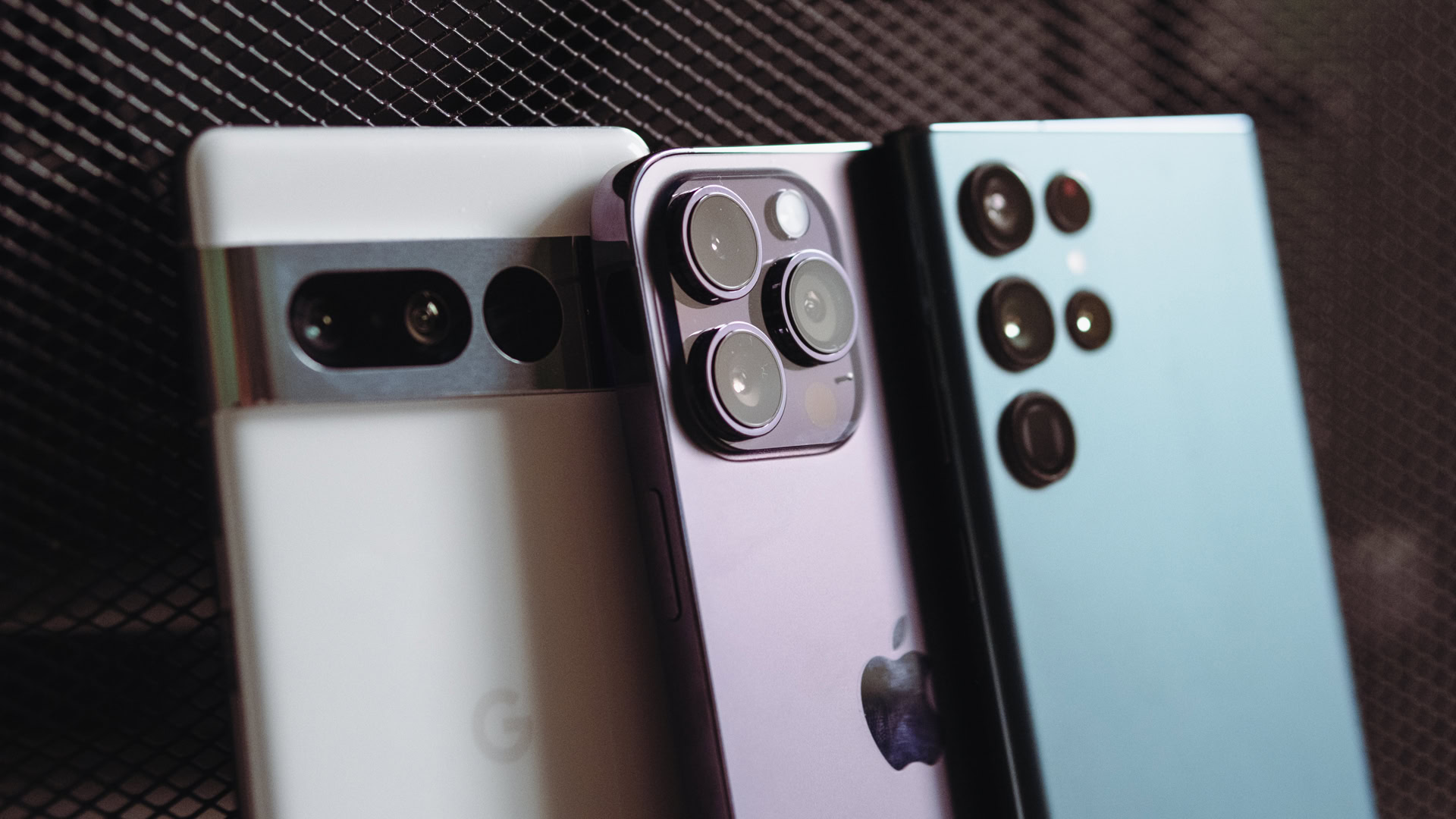
Buying a used cell phone can be an appealing option if you’re looking for an affordable device. Whether you’re upgrading from an old model or getting your first smartphone, used phones often come with a lower price tag than new or refurbished devices. However, there are some risks involved when purchasing used phones, and it’s important to know what to look for to avoid getting stuck with a faulty device.
In this article, we’ll explore everything you need to know about buying used cell phones, including the pros and cons, what to check for before purchasing, and how to make sure you’re getting a good deal.
Pros of Buying Used Cell Phones
-
Lower Price
-
The primary advantage of buying a used cell phone is the price. Used phones are typically sold at a significant discount compared to new models, allowing you to get a high-quality device at a fraction of the cost.
-
-
Access to Older Models
-
If you’re looking for a specific older model that is no longer available as a new device, buying a used phone is a great way to find it. Many people prefer older models for their simplicity or specific features, and buying used is often the best option for finding discontinued devices.
-
-
Environmental Benefits
-
Purchasing a used phone is a more eco-friendly option compared to buying a brand-new one. By reusing a device, you help reduce electronic waste (e-waste) and support the recycling of electronics. This helps lower the demand for new devices and the resources required to produce them.
-
-
No Contract Requirements
-
Some used phones, particularly those purchased from third-party sellers or marketplaces, may be unlocked and can be used with any carrier. This gives you the freedom to choose your service provider without being tied to a contract or specific network.
-
Cons of Buying Used Cell Phones
-
No Warranty or Limited Warranty
-
One of the main drawbacks of buying a used cell phone is the lack of warranty. Unlike new or refurbished phones, which often come with a warranty to cover defects and issues, used phones are typically sold as-is. If the phone breaks or malfunctions after purchase, you may not have any recourse for repair or replacement.
-
-
Potential Hidden Issues
-
Since used phones are sold as-is, there’s always the risk that the phone has hidden defects or issues that may not be immediately visible. This could include problems with the battery, screen, or internal components. Without the proper testing or repairs, you could end up with a phone that doesn’t function properly.
-
-
Limited or No Return Policy
-
Many used phones are sold without return policies, meaning if you’re not happy with the device or it has issues, you may not be able to return it for a refund or exchange. Even if there is a return policy, it may be limited to a short time frame.
-
-
Outdated Technology
-
Used phones are often older models that may not support the latest features or software updates. While some older phones still perform well, they may not be compatible with the newest apps, operating systems, or network technologies like 5G.
-
What to Check Before Buying a Used Cell Phone
If you decide to buy a used cell phone, there are several factors you should check to ensure you’re getting a device that works properly and meets your needs. Here’s a list of things to look for:
1. Phone Condition
Inspect the phone carefully for any visible signs of damage, including:
-
Screen Condition: Check for cracks, scratches, or dead pixels. A damaged screen can be costly to replace and may affect the usability of the phone.
-
Body Condition: Look for any dents, scratches, or cracks in the body of the phone. Excessive wear and tear could indicate that the phone has been dropped or mishandled.
-
Buttons and Ports: Test the buttons (volume, power, home button) to ensure they work properly. Also, check the charging port, headphone jack, and other connectors to ensure they are functioning correctly.
2. Battery Health
The battery is one of the most important components of a phone, and its health can affect how well the device performs. Ask the seller about the battery’s health and how long it lasts on a single charge. Some older used phones may have degraded batteries that need to be replaced. If possible, check the battery life using an app or by testing the phone yourself.
3. IMEI Number and Carrier Compatibility
Before purchasing a used phone, ask for the IMEI number (International Mobile Equipment Identity). The IMEI number is unique to every phone and can help you check the phone’s history and status.
-
Carrier Lock: Make sure the phone is either unlocked or compatible with your carrier. Some used phones are locked to a specific carrier, which means you won’t be able to use them with other networks unless you unlock them.
-
Blacklisted Devices: Check if the phone has been blacklisted. A blacklisted phone may have been reported as lost or stolen, and using it could cause issues with network connectivity or even result in the phone being blocked by the carrier.
You can check the IMEI number through online tools or by contacting the carrier to verify the status of the device.
4. Software and Operating System
Ensure that the phone is running the latest version of its operating system (iOS or Android). Older phones may not support the newest updates, which could affect app compatibility and security. If the phone is not updated to the latest software version, ask the seller if updates are available or whether the device can still be upgraded.
5. Check for Activation Lock (iCloud or Google Lock)
If you’re buying an iPhone, make sure the device isn’t locked with the previous owner’s iCloud account. This is known as the Activation Lock, and it prevents you from using the phone unless you have the account credentials. For Android devices, make sure the device isn’t linked to a Google account with a factory reset protection lock.
6. Test Functionality
Before completing the purchase, it’s a good idea to test the phone to ensure everything is functioning correctly. Test the following:
-
Touchscreen: Ensure the screen responds to touch and that there are no dead spots.
-
Camera: Test the front and rear cameras to ensure they work properly.
-
Audio: Check the speaker and microphone for any issues with sound quality.
-
Wi-Fi and Bluetooth: Ensure the phone can connect to Wi-Fi and pair with Bluetooth devices.
-
Fingerprint Sensor/Face ID: If applicable, test the fingerprint scanner or Face ID feature to make sure it works properly.
Where to Buy Used Cell Phones
If you’re planning to buy a used cell phone, there are several options:
-
Online Marketplaces: Websites like eBay and Craigslist offer used phones from individual sellers. Be sure to check the seller’s reviews and ratings before making a purchase.
-
Cell Phone Carrier Stores: Some carriers sell used or pre-owned phones that have been inspected and tested for quality. These phones often come with a limited warranty.
-
Retailers: Big-box retailers like Walmart, Best Buy, and Target sometimes offer used phones that have been certified by third-party companies.
-
Specialized Websites: Sites like Gazelle, Swappa, and Decluttr specialize in buying and selling used and refurbished phones, offering more reliable and tested devices than individual sellers.
Read Also: Argos Refurbished Phones: Best Deals, Quality Assurance
Conclusion
Buying a used cell phone can be a great way to save money, but it’s important to carefully inspect the device and ensure it’s in good working condition. By checking the phone’s condition, verifying the IMEI number, and testing its functionality, you can make sure you’re getting a reliable device. If you’re not comfortable buying used, consider opting for a refurbished phone, which typically comes with a warranty and has been professionally tested.
FAQs
-
Are used cell phones a good option?
Used cell phones can be a great option if you’re looking for savings, but they come with risks such as lack of warranty and potential hidden issues. -
How can I check if a used phone is good quality?
Inspect the phone for physical damage, check the IMEI number for any blacklisting, and test its functionality, including the screen, camera, and battery. -
Can I return a used cell phone if it doesn’t work?
Return policies for used phones vary depending on the seller. It’s essential to check the return policy before purchasing. -
What should I check before buying a used phone?
Check the phone’s condition, battery health, IMEI number, compatibility with your carrier, software version, and test key functionalities. -
Where is the best place to buy used cell phones?
Trusted platforms like eBay, Swappa, Gazelle, and certified stores from cell phone carriers are good places to buy used phones.