
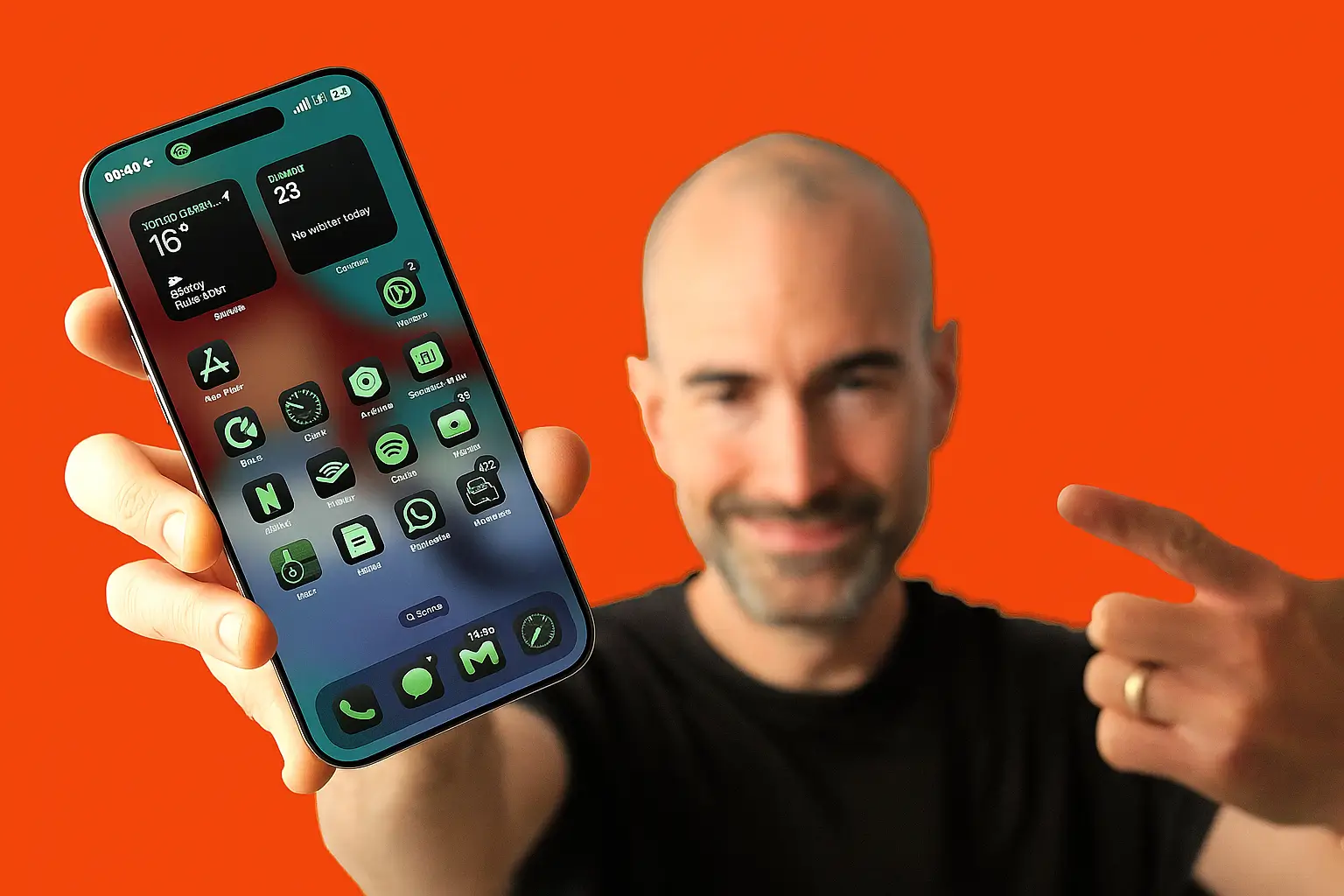
The iPhone 16 Pro is more than just another smartphone upgrade. With Apple’s latest hardware and iOS 18 software, it blends power, performance, and creativity in one sleek device. Many users only scratch the surface of what the iPhone can do, but unlocking its hidden features can take your experience to the next level. Whether you want to boost speed, improve battery life, enhance photography, or refine productivity, learning how to maximize your iPhone 16 Pro features will help you make the most of your investment.
Understanding the Power of iPhone 16 Pro
The iPhone 16 Pro runs on the advanced A18 Pro chip, delivering faster performance, smoother multitasking, and energy efficiency. Combined with the ProMotion display, always-on screen, and enhanced battery optimization, it offers a premium experience. But true mastery comes from exploring its hidden tools, custom settings, and innovative functions that make it stand out from previous models.
Optimizing iPhone 16 Pro Performance
Adjusting Settings for Speed
Your iPhone 16 Pro can run at incredible speed, but small adjustments in settings help maintain peak performance. Clearing background apps, managing storage, and tweaking display refresh rates can reduce lag. Using the ProMotion display at its highest setting ensures ultra-smooth scrolling, while background app refresh control prevents unnecessary system load.
Managing Storage Effectively
Storage management is crucial if you capture videos, download apps, or store files regularly. iCloud integration allows seamless backups while freeing up device space. Deleting unused apps and organizing files through the Files app ensures your iPhone continues to operate at full capacity.
Read Also: Bulk Mobile Phones: UK Wholesale Buyer’s Guide
Enhancing the iPhone 16 Pro Camera Features
Mastering Photography with iOS 18 Tools
The iPhone 16 Pro’s camera is designed for creators, with advanced Night Mode, enhanced portrait effects, and professional-level video recording. The 48MP main sensor captures detail in stunning quality, while AI-driven adjustments improve clarity in all lighting conditions. Using ProRAW and ProRes formats allows photographers and videographers to achieve professional-grade results.
Exploring Hidden Camera Options
Many users overlook features like Photographic Styles, Smart HDR, and advanced editing tools in Photos. Customizing these settings ensures every shot reflects personal style. Experimenting with cinematic video modes also brings a creative edge, especially when paired with stabilization improvements.
Extending Battery Life on iPhone 16 Pro
Smart Charging and Power Optimization
Battery life is often a concern with powerful devices. Optimized Battery Charging, available in iOS 18, learns your routine to prevent overcharging. Enabling Low Power Mode during intensive use helps conserve energy without losing core functionality.
Display and Brightness Adjustments
The always-on display is useful but can drain power if not managed well. Adjusting brightness and customizing the always-on screen reduces unnecessary consumption. The iPhone 16 Pro’s OLED panel provides efficiency, and tweaking auto-brightness ensures balance between visibility and battery savings.
Maximizing Productivity with iPhone 16 Pro
Advanced Gestures and Multitasking
iOS 18 introduces refined gestures that speed up navigation. Swiping, pinching, and using split-view functions make multitasking easier. The Dynamic Island also evolves with real-time updates, allowing quick access to apps, calls, and notifications without switching screens.
Safari and App Management
The Safari browser is now more powerful, with grouped tabs and improved privacy controls. Managing apps through the App Library keeps your Home Screen clutter-free, while Focus Modes help separate work and personal time. Combined, these tools make the iPhone 16 Pro a productivity powerhouse.
Gaming and Entertainment Experience
Boosting Gaming Performance
For gamers, the iPhone 16 Pro offers console-like graphics and smooth refresh rates. ProMotion ensures fluid gameplay, while the A18 Pro chip reduces lag even in graphics-intensive titles. Pairing it with a gaming controller enhances the experience further.
Immersive Audio and Visuals
The Dolby Vision display and spatial audio create an immersive environment for both games and movies. Customizing sound settings in iOS 18 improves clarity, especially when paired with AirPods Pro.
Personalizing Your iPhone 16 Pro
Dynamic Island Customization
Dynamic Island is not just a notification hub. It can be customized with widgets, music controls, and live updates for sports or travel. This personalization turns the iPhone into a dynamic assistant, adapting to daily routines.
Always-On Display and Widgets
The always-on screen can be styled with wallpapers, widgets, and clock designs. This gives users quick access to essential information without unlocking the phone, blending convenience with design.
Strengthening Security and Privacy
Face ID and Advanced Authentication
The iPhone 16 Pro’s Face ID system is more secure, supporting faster recognition and additional authentication options. Users can set up multiple looks, making it easier to unlock the phone in different situations.
Privacy Settings in iOS 18
Apple emphasizes privacy, and iOS 18 provides more control than ever. App tracking transparency, Safari’s privacy reports, and Mail Protection guard against unwanted monitoring. Configuring these features ensures data safety while maintaining smooth usage.
Getting the Most from iCloud and Apple Ecosystem
Seamless Cloud Integration
iCloud storage ensures your files, photos, and apps remain accessible across all Apple devices. By syncing calendars, notes, and reminders, the iPhone 16 Pro becomes part of a connected ecosystem that boosts efficiency.
Handoff and Continuity Features
Features like Universal Clipboard, Handoff, and AirDrop allow instant sharing between iPhone, iPad, and Mac. This integration enhances workflow, whether transferring documents or continuing tasks across devices.
Unlocking Hidden iOS 18 Features
Accessibility Tools for All Users
Accessibility settings are often underused but offer immense value. Voice Control, Back Tap gestures, and AssistiveTouch improve navigation and customization, ensuring the iPhone adapts to each user’s needs.
Hidden Productivity Hacks
From Quick Notes to advanced Focus Modes, iOS 18 is filled with small enhancements that save time. Exploring settings regularly reveals hidden tools that improve both personal and professional tasks.
Conclusion
The iPhone 16 Pro is not just a smartphone; it’s a versatile tool built for speed, creativity, and productivity. Maximizing its features requires exploring beyond the basics, from optimizing performance and enhancing photography to securing privacy and customizing the interface.
With iOS 18 integration, Dynamic Island updates, and advanced camera capabilities, every user can tailor the device to their lifestyle. By learning and applying these strategies, you unlock the full potential of your iPhone 16 Pro, ensuring it works smarter, faster, and more efficiently in every aspect of daily life.
FAQs
1. How can I improve iPhone 16 Pro battery life?
Enable Optimized Battery Charging, reduce screen brightness, and use Low Power Mode when needed.
2. What makes the iPhone 16 Pro camera special?
It has a 48MP sensor, ProRAW, ProRes video, and advanced AI tools for professional-level photography and videography.
3. Can I customize the Dynamic Island on iPhone 16 Pro?
Yes, you can add live activities, music controls, sports updates, and other widgets for quick access.
4. How do I speed up my iPhone 16 Pro performance?
Manage storage, limit background app refresh, and keep iOS 18 updated for maximum efficiency.
5. Is the iPhone 16 Pro good for gaming?
Yes, the A18 Pro chip, ProMotion display, and console-quality graphics make it excellent for mobile gaming.